
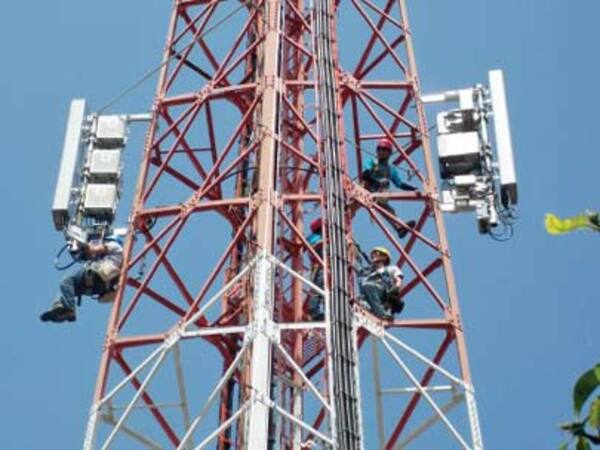
As a long-time employee of Andrew Systems, Inc., CommScope’s program management and field installation services organization for North American wireless customers, I have a healthy amount of experience in cell site development and construction.
When I was asked to contribute a chapter to the Understanding the RF Path e-book, I was happy to share some of that experience with the readers. One of the most important areas that I cover in the book is how to properly set and troubleshoot remote electrical tilt (RET) antennas.
When RET antennas started appearing at cell sites, they were among the more sophisticated pieces of equipment being deployed on towers. RET antennas require precise and accurate installation and adjustment in order to get the intended and best results. Installers need to understand the software involved as much as the hardware they are mounting. Let me re-cap my checklist from the RF path book of the 15 steps to take when installing RET antennas:- Install the software first and record the serial #’s of antennas and actuators (a sheet is provided when RET software is downloaded)
- Check for program updates and program the actuators prior to installation
- Understand the naming conventions because if antennas are not labeled properly, additional time will be required during installation to sort them out
- Test before installing
- Match antennas and tilts
- Keep a spare cable on hand
- Check before tilting
- Double-check your work
- Don’t weatherproof AISG cables and connectors
- Protect against lightning
- Don’t splice in a ground lead
- Go right to the source for cable
- Make the right connections
- Cycle the actuators when you’re done
- Check for cable stress
There are more details in the book about each of these steps for those who are interested. I also give some suggestions for choosing the right service companies and installing transmission lines trouble-free. I hope readers will find the information useful and practical. If you have questions about these or other installation matters, leave a comment below and I will respond.


